PARENT + STUDENT SAFETY
Safety is part of the build.
Your teen does not need a wider internet to get started. First Build gives them one supported project, clear guardrails, and a parent who stays in the loop.
Parent-approvedPrivate by defaultBuilt to be discussed
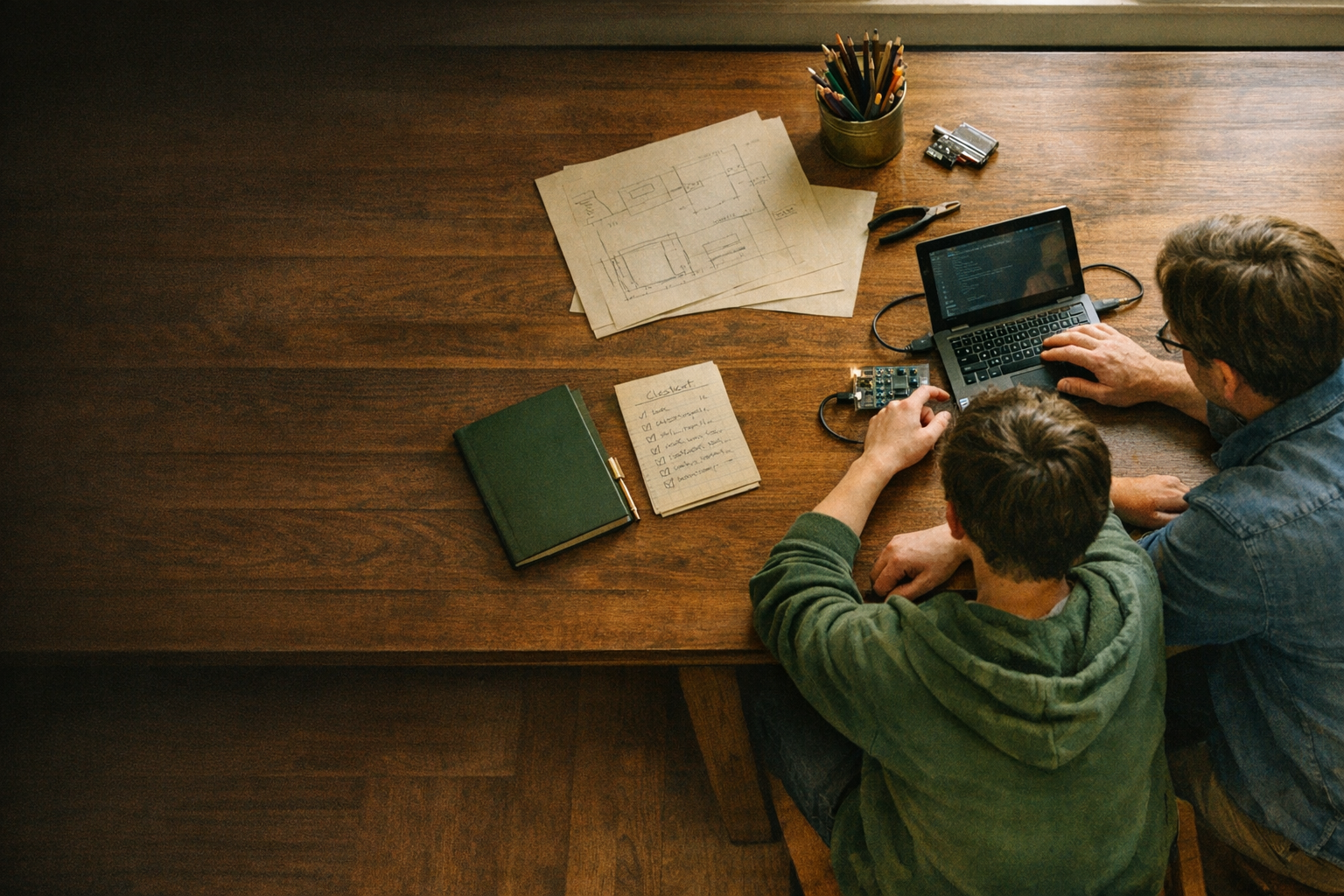
THE SHORT VERSION
We begin with a project—not an open online world.
WHAT WE PRACTICE
Good builders protect people while they make useful things.
These are not a long list of scary rules. They are the habits your teen uses while building.
Read the Parent Guide →Keep personal information personal.
Use made-up names and practice details. Never put passwords, home addresses, financial details, medical information, or somebody else’s private information into a project or AI tool.
Ask before going public.
Parents approve accounts, publishing, purchases, and any sharing that reaches beyond the family’s control.
Check the tool; do not obey the tool.
Your teen learns to test what AI suggests, notice what is wrong, explain the change, and try again.

A CONTAINED FIRST PROJECT
Confidence, not a mess for you to clean up.
Quickstart projects deliberately avoid public chat, payments, social networks, sensitive data, medical or financial tools, complex accounts, and App Store publishing. The goal is a useful working project inside a responsible boundary.
Still deciding? You are welcome to look over the privacy notice, terms, or ask Bud a question before you enroll.