
01
Bring material.
Do not start with a blank wish. Bring notes, goals, examples, constraints, drafts, or data.
- Paste the messy source.
- Name the audience.
- Say what good looks like.
Learn AI
Skip the abstract lesson. Choose a route, try one real prompt, judge the result, and turn it into something you can actually use.

Owner route
Best first use: make messy tradeoffs visible. Do not ask AI to be right. Ask it to help you see.
Starter prompt
Act as a practical operator. Help me compare three options for this decision. Ask clarifying questions first if the goal, constraints, audience, or tradeoffs are unclear. Then give me a recommendation, risks, and the next action.
The shortest lesson
A useful AI habit is not prompt trivia. It is a small loop: bring material, ask for a job, then turn the answer into an artifact.
Do not start with a blank wish. Bring notes, goals, examples, constraints, drafts, or data.

AI behaves better when the request has a role, output, and standard of quality.
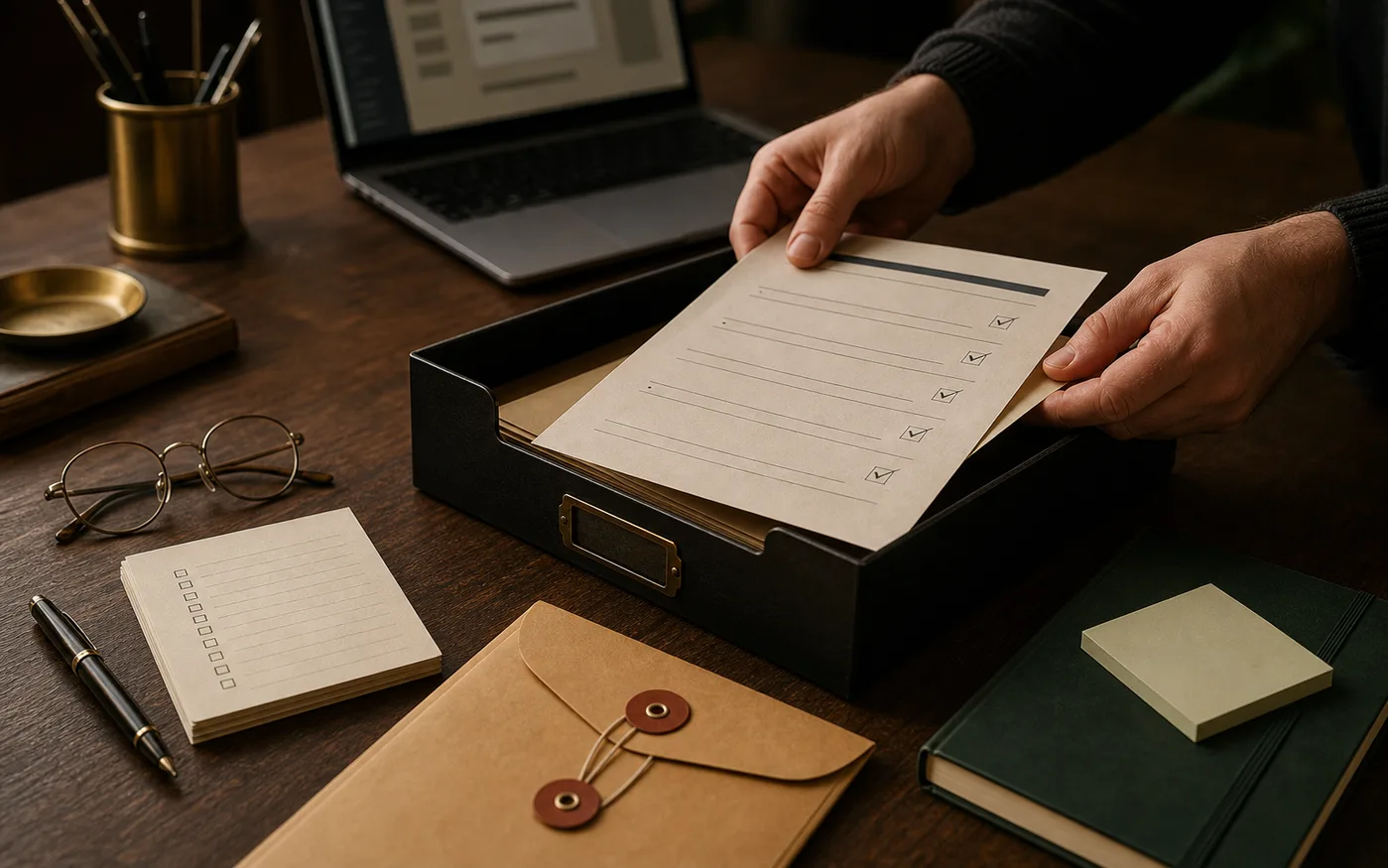
If it stays in chat, it probably did not help enough. Move it into the work.
Field guide
The goal is not to become an AI person. The goal is to build judgment through repetitions that make your actual work easier.
Universal starter prompt
I am working on [real task]. The audience is [who it is for]. The goal is [outcome]. The constraints are [time, tone, format, facts, risks]. Use the source material below. First ask up to three clarifying questions if needed. Then give me a practical draft, the weak spots, and the next action.
Playbook
Open the route that matches your day. One small useful rep beats one giant vague intention.
Prompt: "Here is the decision, options, constraints, and what I value. Compare the options, name the risks, and recommend the next action."
Good output: a short decision memo you could send to yourself or a partner.
Prompt: "Turn these messy notes into a repeatable workflow. Identify owner, trigger, steps, failure points, and the simplest checklist version."
Good output: a first draft SOP, checklist, or meeting follow-up.
Prompt: "Edit this for clarity and usefulness. Keep my voice. Point out weak claims, missing context, and where a busy reader will get lost."
Good output: an outline, a sharper draft, and a list of what still needs human judgment.
Prompt: "Help me turn this messy week into a realistic plan. Preserve what matters most, identify friction points, and suggest the next small version."
Good output: a calmer schedule, short list, or family operating note.
Prompt: "Help me turn this shoot or event into a clean delivery plan. Include prep, communication, file handling, turnaround, risks, and client touchpoints."
Good output: prep checklist, client email, or delivery plan.
Keep going
Learn is the starter path. Tools help you test a real surface. Writing carries the longer notes. Services bring the habit into a team.
Tool
Use the diagnostic before spending time on the wrong workflow.
Run scorecard ->Notes
Longer thinking from systems, tools, family work, and field lessons as they get built.
Read writing ->Team
Speaking, workshops, and practical AI systems for teams that need adoption.
See AI strategy ->